Midhun P M — BlogTaking Thursday to the OpenAI Codex Community Hackathon in Bengaluru
- ai
- hackathon
- openai
- codex
- desktop-ai
- python
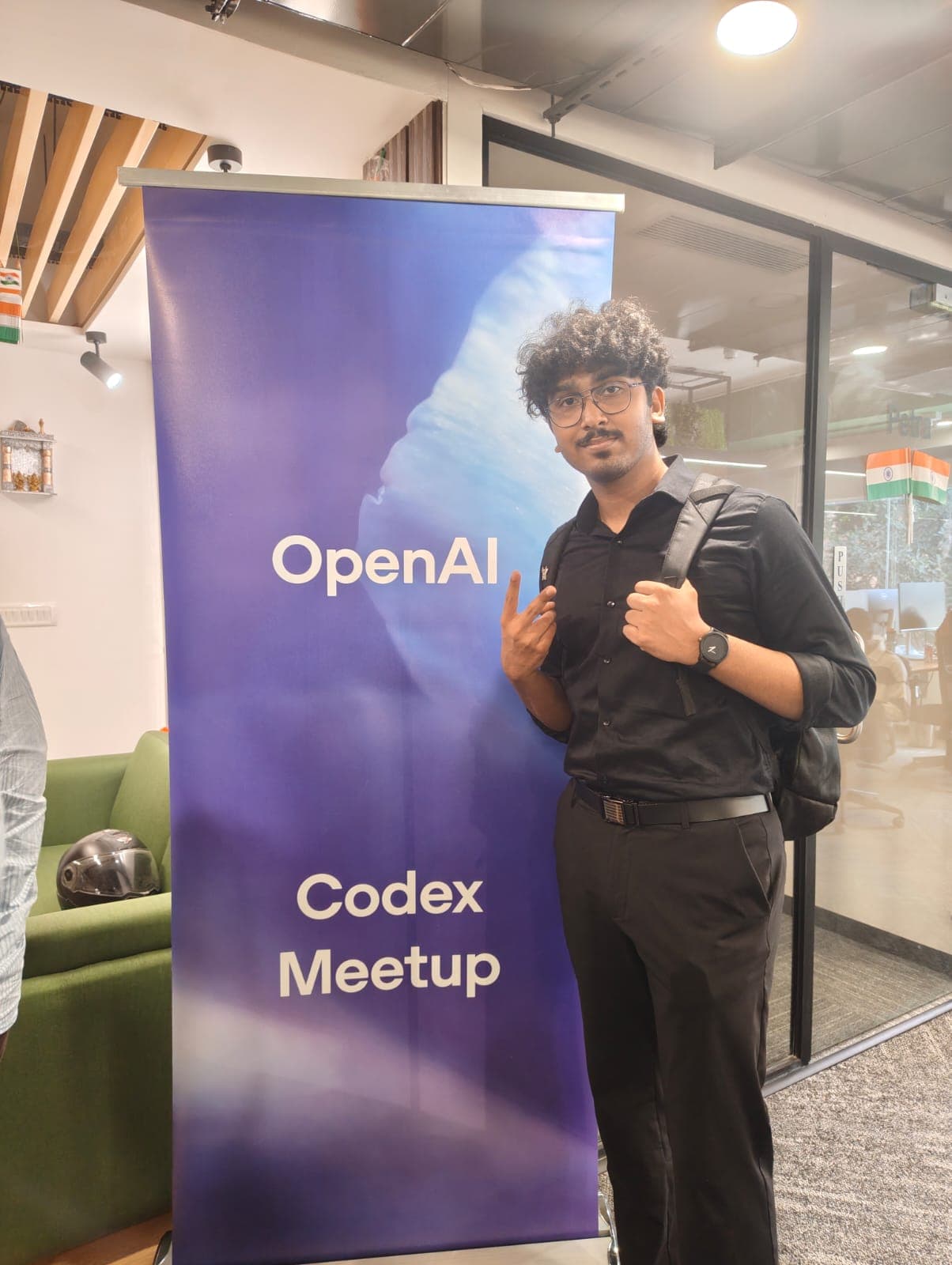
I built Thursday because I was tired of assistants that stop one step short of helping. They can tell you how to find a file, draft an email, or start a project. Then you still have to switch windows and do it all yourself. I wanted a desktop assistant that could take a visible, bounded action where I could watch it happen.
That was the version of Thursday I took to the OpenAI Codex Community Hackathon in Bengaluru on 15 August 2026.
Getting a seat
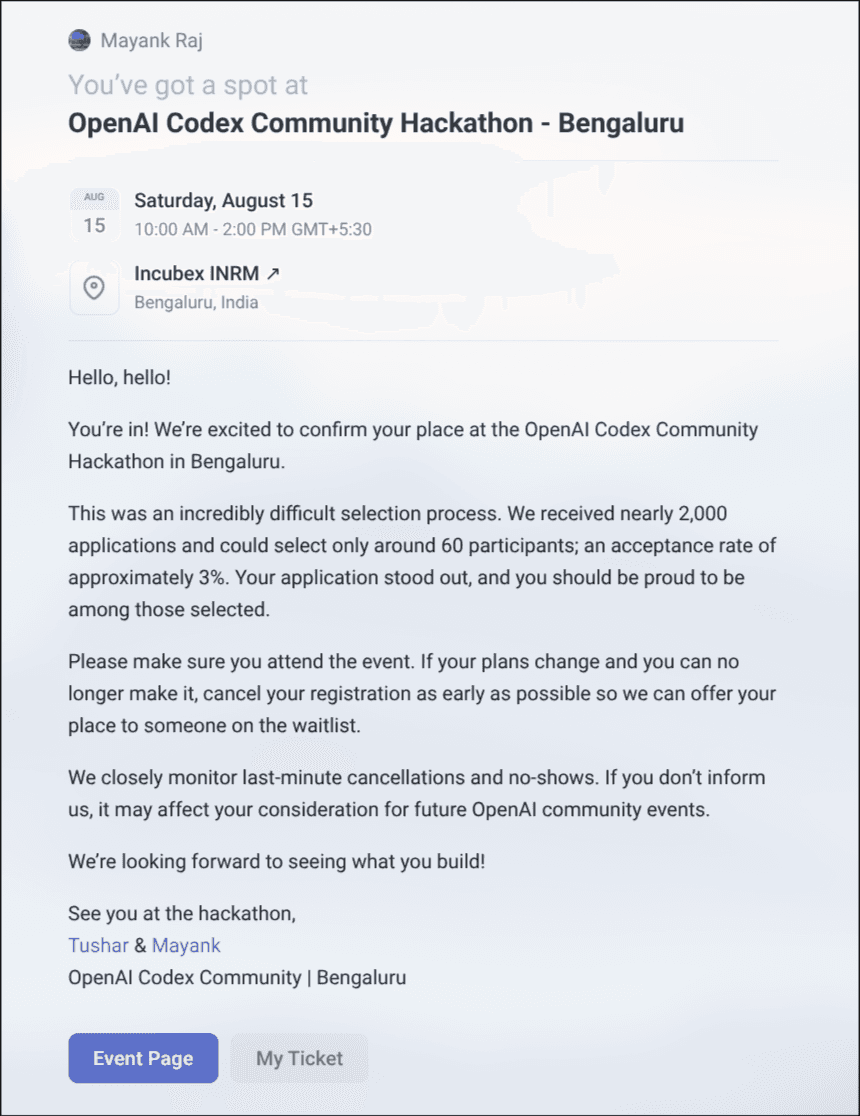
The invitation said the organizers received nearly 2,000 applications and selected around 60 participants. That works out to an acceptance rate of about 3%. I was mostly excited to be in a room full of people who cared about making agents useful instead of just making them talk.
The number is nice. The room was better. I met builders working on agent workflows, developer tools, and products that did not need a long explanation before you could see the point. Those conversations gave me sharper questions about Thursday than another week alone with a terminal would have.
What changed in Thursday
Thursday started as a local-only experiment. I run quantized models through llama.cpp and Vulkan on my Intel Arc GPU, so the first version cared about privacy, ownership, and working without Wi-Fi.
The current build keeps that local-first shape but does not treat it like an ideology. It can use a local model or an OpenAI-compatible cloud provider while keeping the same agent loop, memory, safety boundaries, and visible UI.
The recent work made Thursday feel more like part of my Linux desktop:
- It can find files, reveal them in Thunar, work with the clipboard, inspect system health, control Spotify, and run guarded shell commands.
- It can research the web with sources, draft Gmail messages without sending them, and prepare Calendar changes behind a confirmation step.
- Its React interface streams tokens and tool results over SSE. I can see what it selected, what it called, and what came back.
- Super+C opens the assistant. Holding Super+Alt gives me a push-to-talk flow with a Quickshell overlay that does not steal focus from the app I was using.
The feature I wanted to talk about most in Bengaluru was the Codex project studio. A button in Thursday turns a rough project brief into an isolated Codex CLI session. It validates the workspace name, lets me select a model, and opens Codex in a visible Kitty terminal. The generated project lives in its own workspace, not inside Thursday’s source tree.
Why visibility matters
An assistant with access to files, shell commands, browser sessions, and personal workflows has to earn trust. Thursday binds to loopback by default. Its file tools respect configured read and write roots. Shell actions run behind a policy, and dangerous actions can require a confirmation in the UI.
Those controls are not decoration. They are part of the product. I do not want an agent to look clever because it did something surprising. I want it to look useful because I can understand what it is about to do and stop it when the boundary is wrong.
What I brought home
The hackathon did not magically finish Thursday. It made the next direction clearer. The hard part is not giving an agent more tools. It is making the tool choice, permissions, and result feel calm enough that someone would let it touch their real computer.
Thursday is still my personal operating layer. But Bengaluru made it feel less like a machine I was building alone and more like a question worth sharing with other builders.
See the Thursday case study or explore the source on GitHub.